
How to Choose the Right Printer for Your Home Office in 2024
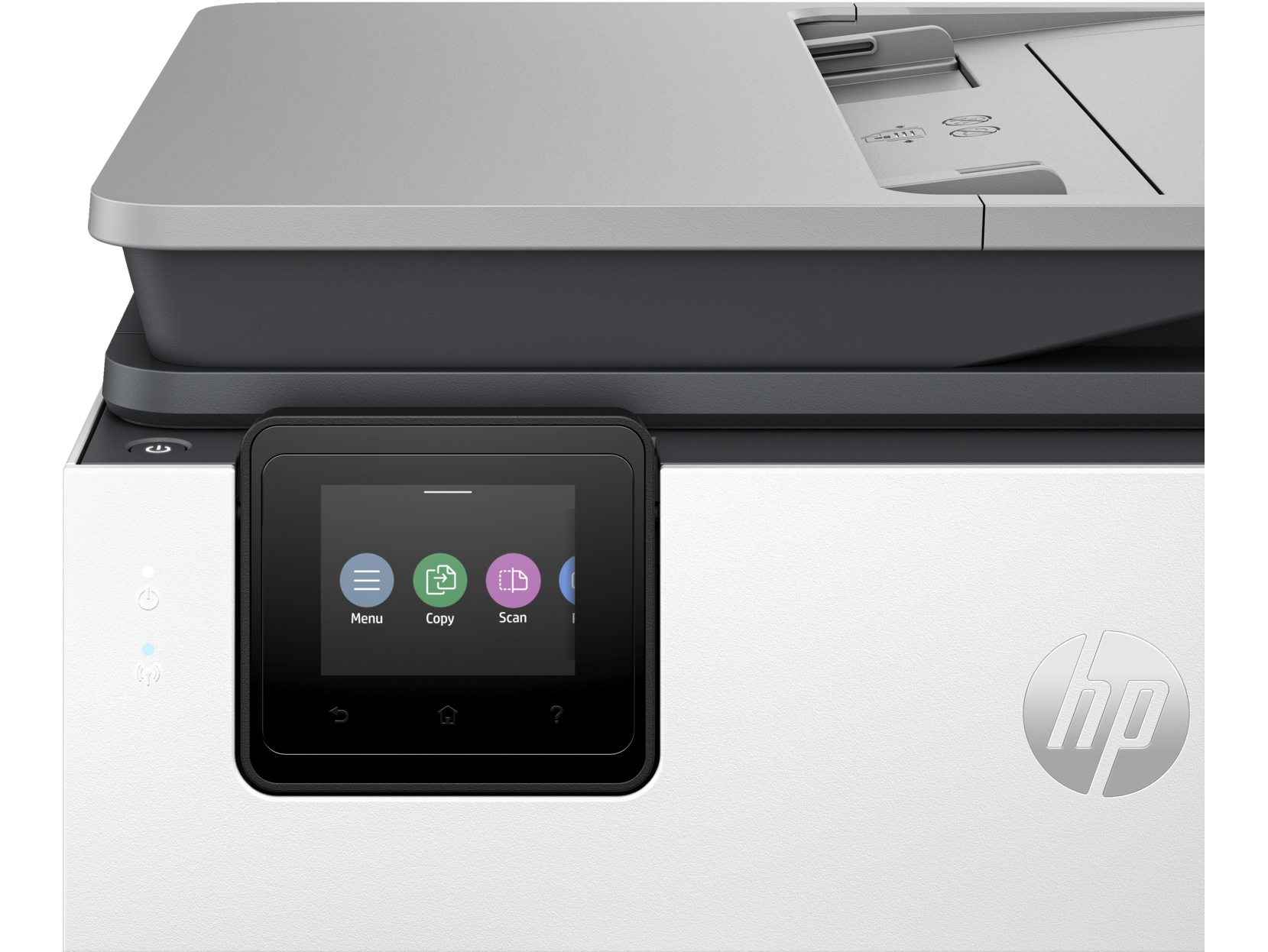
Home office printer guide for 2024 and 2026: Compare inkjet vs laser printers, wireless all-in-ones, and ink subscriptions for remote work setups.
Understanding Your Home Office Printing Needs
Choosing the ideal printer for home office use starts with understanding your specific requirements. Whether you need a wireless printer for remote work, a color printer for presentations, or a multifunction printer that can scan and copy, the right choice depends on your daily printing volume and document types.
Inkjet vs Laser Printers: Which Technology Suits You?
The inkjet vs laser printer debate comes down to your printing habits. Inkjet printers like the HP ENVY and HP OfficeJet Pro series excel at photo printing and color documents, making them ideal for home users who print occasionally. Laser printers like the HP LaserJet series offer faster printing speeds, lower cost per page for text documents, and are better suited for high-volume black and white printing.
Key Features for Home Office Printers
- Wireless printing - Print from laptop, phone, or tablet via WiFi
- All-in-one functionality - Print, scan, copy, and fax in one device
- Automatic duplex printing - Save paper with two-sided printing
- Mobile printing support - AirPrint, Google Cloud Print, HP Smart App
- Low cost per page - Consider HP Instant Ink subscription for savings
Recommended Home Office Printers 2024
For most remote workers and home offices, we recommend an all-in-one wireless printer like the HP OfficeJet Pro 8139e or HP ENVY Inspire 7255e. These multifunction printers combine printing, scanning, and copying with HP+ smart features and Instant Ink eligibility for quality value in home office printing.