Cookie Consent

Our website relies on small data files placed in your browser to keep core pages working, measure traffic, and tailor on-site messaging. Some files are required and some are optional. Use the bottom-of-page banner to accept the optional ones, decline them, or revisit your choice later. Full disclosures live in the Cookie Policy and the Privacy Policy, which together explain how the consent management platform records each preference, how long it is stored, which vendors receive a signal, and how shoppers in the European Union, the United Kingdom, and California can exercise the rights granted by their local data-protection rules.

We value your privacy

We use cookies to enhance your browsing experience and analyze site traffic. With your consent, we also load third-party advertising and conversion-tracking tags to measure ad performance and deliver relevant ads. Read our Privacy Policy and Cookie Policy for full details on advertising and analytics tracking.

Skip to main content
Print Store 360 - Printers, Scanners & Supplies
0 0
Sign In Sign Up
Home All-in-One Laser Printers Tank Printers Enterprise Scanners
  • Photo Printers
  • Inkjet Printers
  • Portable
  • Enterprise Scanners
  • Document Scanners
  • About Us
  • Blog
  • Contact
  • Privacy Policy
  • Terms of Service
  • Shipping Policy
  • Return Policy
  • Warranty Information
  • Accessibility
  • Cookie Policy
Home Blog HP Smart App Setup Guide: Wireless Printer Installation

Article Not Found

The article you're looking for doesn't exist.

Back to Blog
Back to Blog
Guides

HP Smart App Setup Guide: Wireless Printer Installation

HP Smart App Setup Guide: Wireless Printer Installation

How to set up HP printer with HP Smart app: Step-by-step wireless printer setup guide for iPhone, Android, Windows, and Mac computers.

Download the HP Smart App

The HP Smart app is the easiest way to set up your HP printer and unlock all its wireless features. Download it free from:

  • iOS: Apple App Store for iPhone and iPad
  • Android: Google Play Store
  • Windows: Microsoft Store or hp.com/smart
  • macOS: Mac App Store

Wireless Printer Setup: Step-by-Step

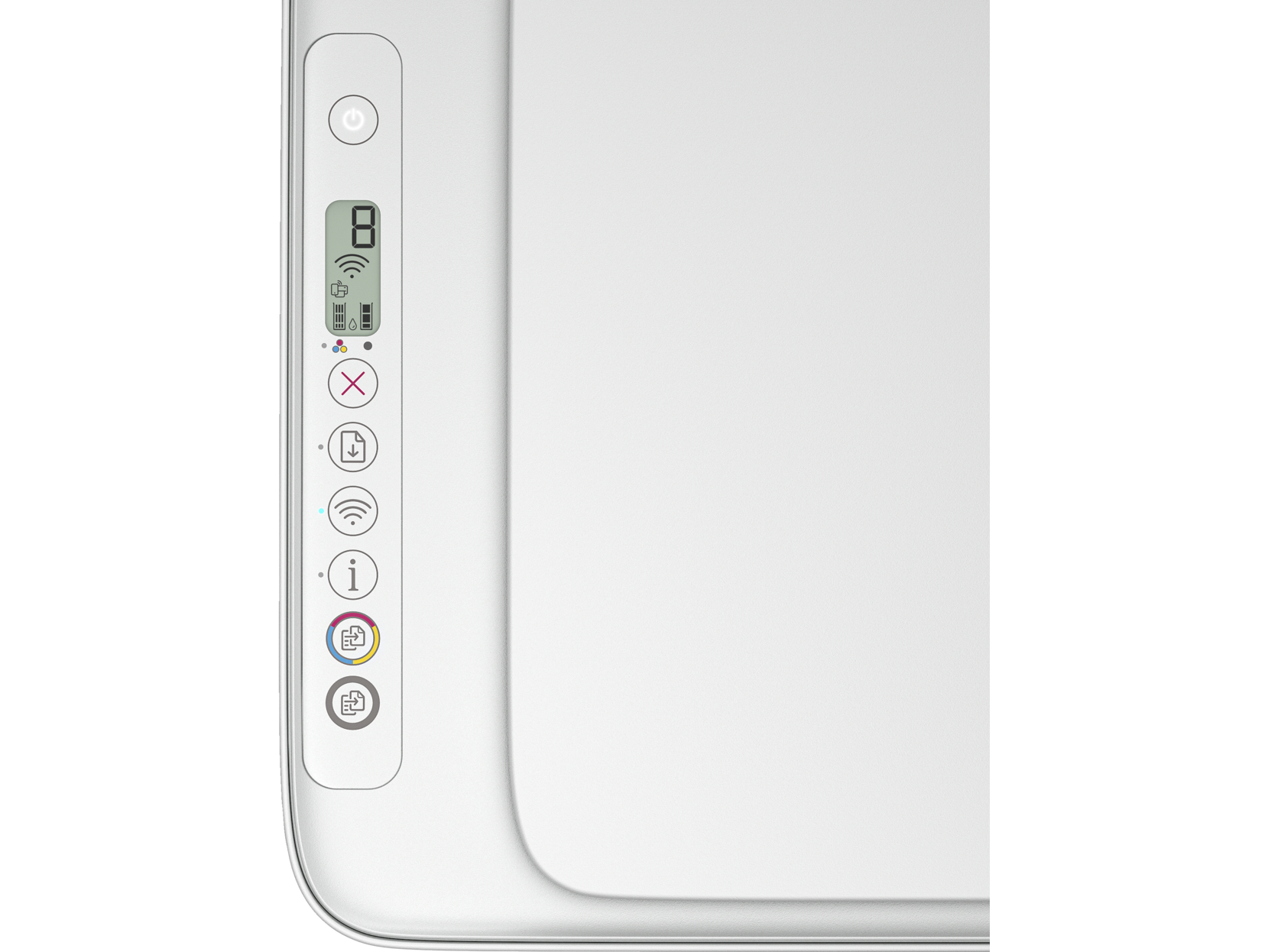
  1. Unbox and power on - Remove packaging and connect printer to power
  2. Open HP Smart app - Create or sign in to your HP account
  3. Add your printer - App will detect nearby HP printers
  4. Connect to WiFi - Follow prompts to join your wireless network
  5. Print test page - Verify successful setup
  6. Activate HP+ - Optional: Enable smart features and free Instant Ink

HP Smart App Features

  • Print from anywhere - Send documents remotely via cloud printing
  • Mobile scanning - Scan to email, cloud storage, or device
  • Ink level monitoring - Track supplies and reorder easily
  • Printer diagnostics - Troubleshoot issues automatically
  • Shortcuts - Create one-tap actions for frequent print jobs

Pro Tips for HP Smart Setup

Enable HP+ during initial setup for extended warranty and free Instant Ink trial. Use Mobile Fax to send faxes without a phone line. Set up Shortcuts for one-tap printing of commonly used documents.

More articles

  • How to Choose the Right Printer for Your Home Office in 2024
  • Laser vs Inkjet Printers 2024: Complete Buying Guide
  • Scanner Buying Guide: Document Scanners vs Flatbed Scanners
  • Work From Home Printing: Essential Guide for Remote Workers
  • 10 Ways to Reduce Printing Costs and Save Money on Ink
Share this article

Related Articles

Free Shipping

Lower 48 states

Secure Checkout

256-bit SSL encryption

30-Day Returns

Easy return process

Print Store 360 - Printers, Scanners & Supplies

Your trusted independent source for printers and scanners. Browse, compare, and shop with confidence.

  • 1-650-263-1582
  • contact@printstore360.net
  • The Plus Print LLC
    5437 Central Ave Ste 1
    Newark, CA 94560

Customer Service

  • Contact Us
  • Shipping Policy
  • Returns & Refunds
  • My Orders
  • Buying Guide
  • Create Account

Shop

  • About Print Store 360
  • All Printers
  • All-in-One Printers
  • Tank Printers
  • Scanners
  • Blog

Legal

  • Privacy Policy
  • Terms & Conditions
  • Purchase Terms
  • Cookie Policy
  • Accessibility
  • Do Not Sell My Info
  • Warranty
  • Disclaimer
  • Sitemap

Disclaimer: Print Store 360 is an independent retailer and is not affiliated with, endorsed by, or sponsored by any printer manufacturer. All product names, logos, and trademarks are the property of their respective owners and are used for identification purposes only.

© 2025 Print Store 360. All rights reserved.